An old laptop can become your smart home's control hub
Engadget explains how a retired but working laptop can run the Home Assistant platform as a local smart home hub, offering a low-cost way to unify devices from different brands.
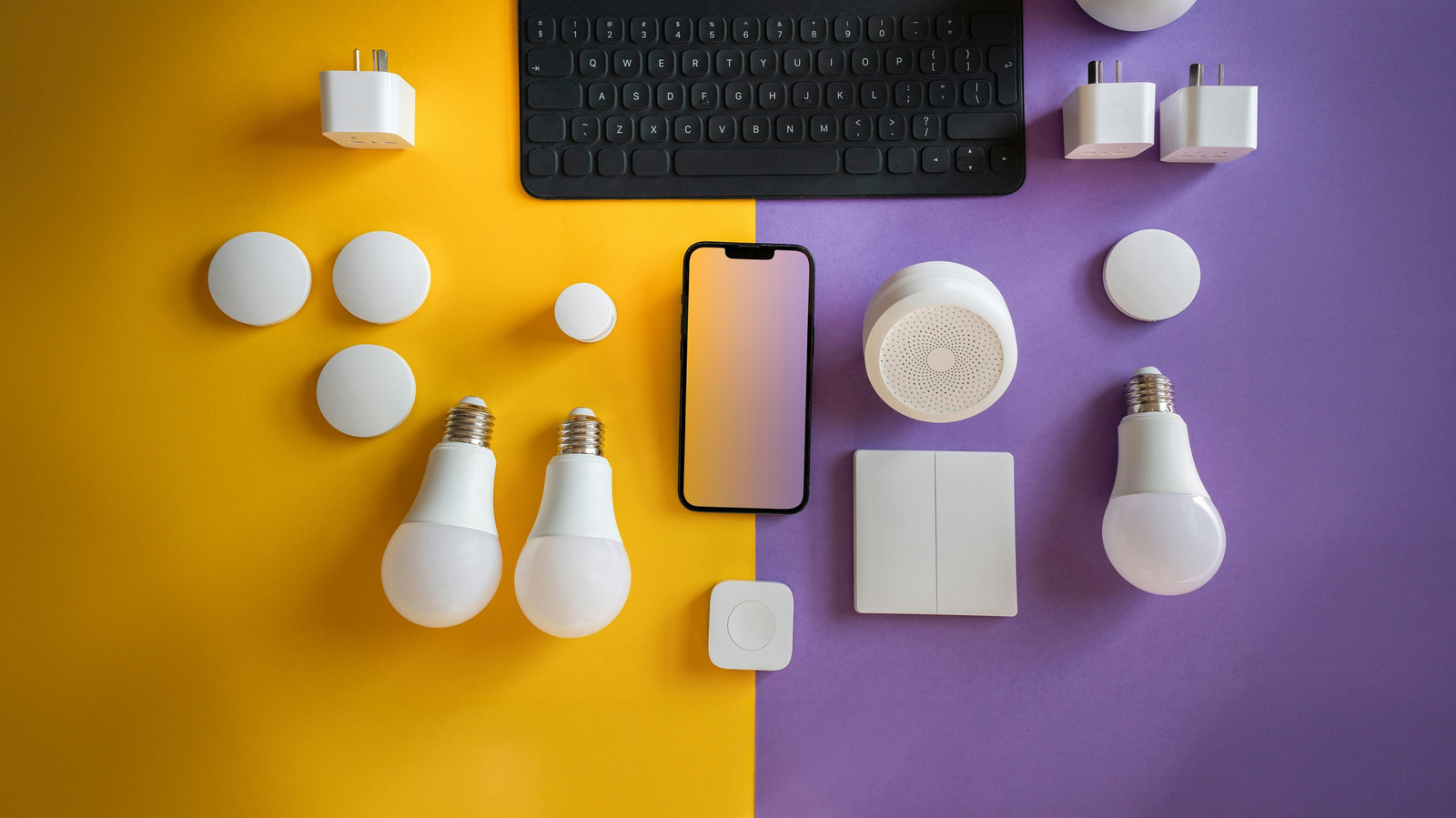
Instead of buying a Raspberry Pi or a mini PC, an old laptop gathering dust in a closet can serve as the foundation for a smart home control system. The key is Home Assistant, an open-source platform that acts as a local hub for smart devices from many different manufacturers, including Philips Hue, Google Nest, Ring, Sonos and Ecobee.
Home Assistant addresses a common problem: households accumulate devices from multiple brands that don't cooperate well together, and standards like Matter and Thread haven't fully solved that fragmentation. The platform has a learning curve and isn't the most user-friendly, but it offers more control than manufacturer apps, including the ability to run some integrations locally without relying on company servers. It supports automations, scenes and scripts, such as turning on a coffee maker when an alarm is dismissed or dimming lights when a movie starts.
What kind of laptop works
Home Assistant doesn't require powerful hardware — even an aging laptop that struggles with modern software can handle sensor updates and device toggling. What matters more is whether the laptop can stay in one place, powered on at all times; a laptop used for work or travel isn't a good candidate. A wired ethernet connection is recommended for stability over Wi-Fi.
Before running a laptop around the clock, its battery condition should be checked. A swollen or damaged battery should be replaced or removed following the manufacturer's instructions, while a battery that simply holds less charge than before isn't necessarily a problem. Many laptops offer a charge-limiting feature that helps slow battery degradation over time.
The platform can be tested inside a virtual machine without altering the laptop's existing operating system, using free tools such as VirtualBox — this requires only 2GB of RAM and two virtual CPUs. Alternatively, Home Assistant OS can be installed directly, replacing the existing system entirely. It's also worth monitoring electricity usage, since older laptops can draw more power than a mini PC, and if the setup doesn't work out, built-in backup tools make it easier to migrate to more efficient hardware later.