What that USB trident symbol actually tells you about your port
USB port and cable markings have become confusing as the standard evolved through multiple renamed generations. Together, the trident symbol, color, and extra icons reveal what a given connector can actually do.
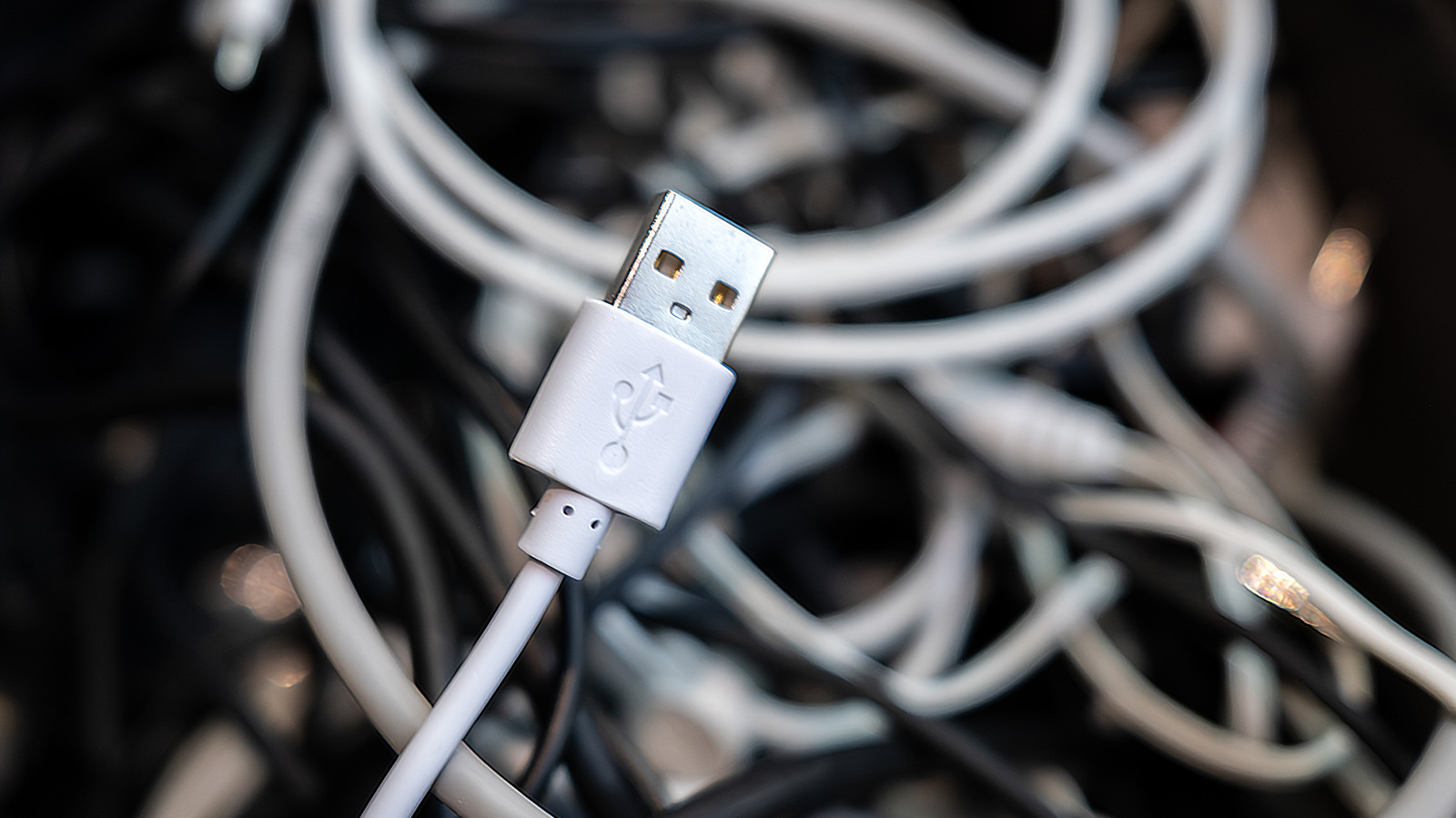
USB ports and cables have gained many different capabilities over the years, but figuring out what a specific one supports isn't always obvious. The classic trident symbol has been used since the late 1990s, and when it appears alone, it usually signals USB 2.0 — the oldest version still in common use, offering 480Mbps bandwidth, best suited for devices like mice and keyboards.
From USB 3 to today's naming
The USB 3 generation went through several renamings. USB 3.0 (5Gbps) launched in 2008, USB 3.1 (10Gbps) in 2013, and USB 3.2 (20Gbps) in 2017. These were also marketed as SuperSpeed and SuperSpeed+, later joined by confusing "Gen" labels. Since 2022, the industry has settled on simpler names: USB 5Gbps, USB 10Gbps, and USB 20Gbps.
What the colors mean
Black or white ports typically indicate USB 2.0, while blue usually signals USB 5Gbps, though it's sometimes used for later generations too. Red ports generally point to USB 10Gbps or 20Gbps speeds and often supply power even when a computer is off. Yellow ports can be either USB 2.0 or 5Gbps and also charge devices while the PC is shut down. Since only white, black, and blue have official color meanings, manufacturers are now encouraged to rely on symbols instead.
USB4 and other markings
The newest standard, USB4, reaches 20 or 40Gbps since its 2019 debut, while USB4 2.0, introduced in 2022, hits 80Gbps. USB4 works exclusively with USB-C connectors. To put the speed gains in perspective, transferring 100GB of data takes about 28 minutes over USB 2.0, roughly two minutes 40 seconds over USB 5Gbps, and just 20 seconds over USB4.
Other icons matter too: a lightning-bolt symbol indicates Thunderbolt, which guarantees a baseline set of capabilities including video output and fast charging. A battery icon or "PD" label points to Power Delivery, a smart charging feature, while a DisplayPort logo signals video output support. When labeling is unclear, checking the device's manual or spec sheet is recommended.