You can swap a phone's SIM card while it's on, but switching off is safer
Most modern smartphones let you change a SIM card without powering down. Tech site Engadget notes that a brief shutdown or airplane mode lowers the chance of software glitches.
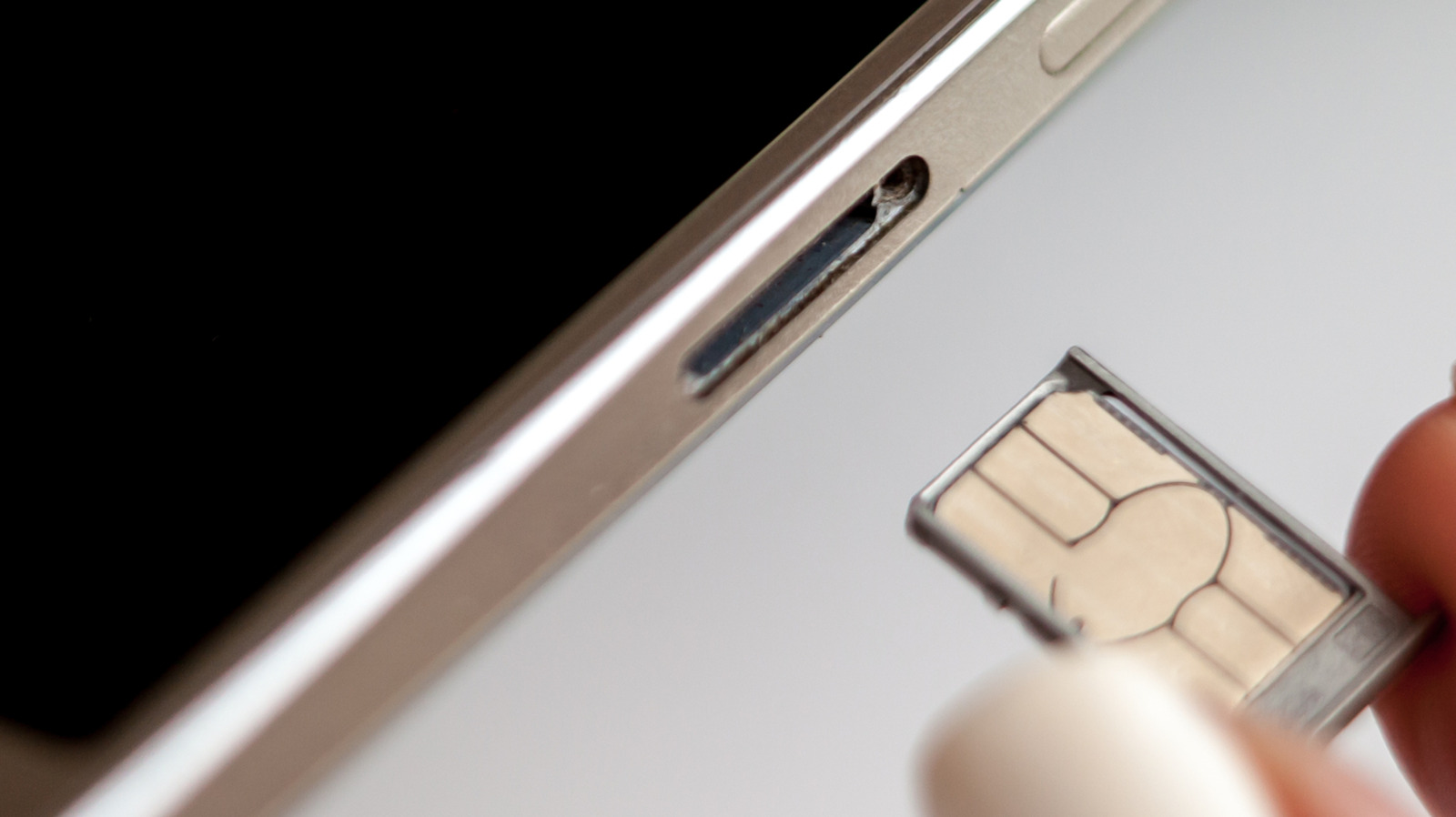
Most modern smartphones allow a physical SIM card to be replaced without turning the device off, but tech site Engadget explains that powering down first is the safer choice. Reasons to swap include moving to a cheaper mobile virtual network operator, using a local carrier's card while travelling, or receiving a replacement for a damaged card.
How to replace the card
The advice concerns physical SIM cards that are removed by hand. An eSIM can be changed with a QR code, a carrier app or a direct transfer between phones. For a physical card, you optionally power the phone down or enable airplane mode, eject the tray with a paperclip or SIM ejector tool, insert a card of the correct size, push the tray back and enter your PIN or restart if prompted. On a dual-SIM phone with two physical cards, check which one you intend to replace first.
Possible risks
The main risks are physical: dirt or moisture entering the tray, a larger card forced into a smaller slot, or a broken tray or damaged card. A damaged or badly inserted SIM can make the phone keep trying to connect to a network, which drains the battery and can cause overheating. Most people never run into this if they work carefully.
The benefit of switching off is modest. When the phone starts again, it reads the new card's data and carrier settings, registers on the network faster and is less likely to show a software "network error". Airplane mode gives a similar result: turn it on, wait 30 seconds, swap the card and turn it off again.
Before the 2010s, SIM slots usually sat beneath a removable battery, so the phone had to be off. When trays moved to the side of the device, early models often showed a network error if swapped while on, but they soon became hot-swappable.
A warning about microSD cards
Some Android phones keep a microSD card in the same tray as the SIM. To avoid data loss, unmount the microSD card before removing the tray. On Samsung devices, open My Files, find the SD card, tap its three-dot menu and choose Unmount. If a network error appears after the swap, try restarting the phone first.