How to get better sound from your computer
Most computers and laptops ship with mediocre built-in speakers, but external gear and a few simple adjustments can significantly improve audio quality. Experts point to both hardware upgrades and software or habit changes.
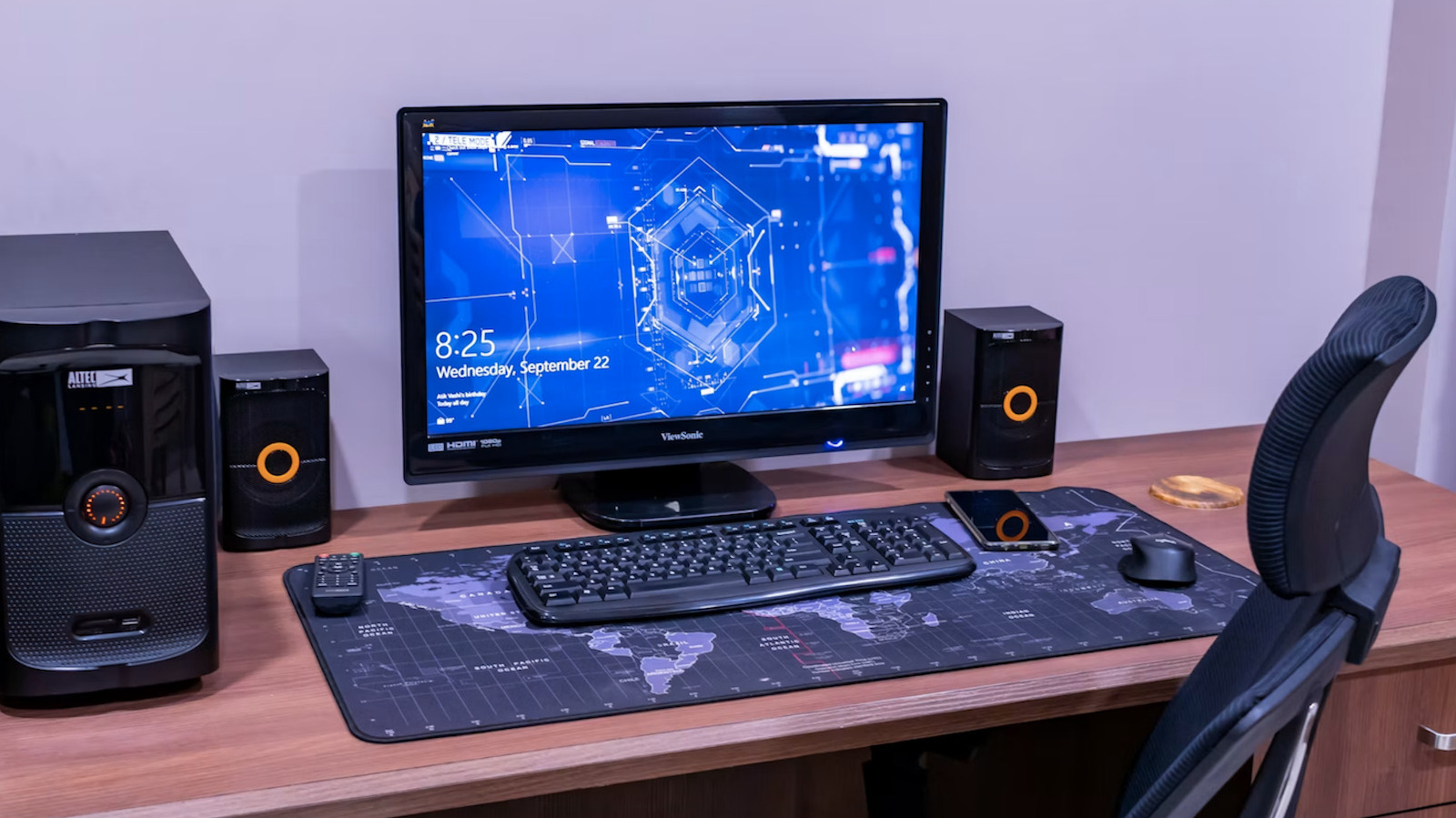
Most modern desktops and laptops don't come with great sound systems out of the box, since manufacturers tend to prioritize spending on processors and graphics over audio components. While some laptop brands have improved built-in audio through partnerships with established audio companies, the compact form factor still limits speaker size and quality. As a result, many users look for external solutions.
External speakers and headphones
External speakers remain one of the most popular options, ranging from simple setups to systems with a dedicated subwoofer. Speakers with a built-in digital-to-analog converter (DAC) tend to sound better, while wireless setups are more convenient but can sound thinner than wired ones. For those without room for speakers, headphones are a solid choice, especially paired with an external DAC or amplifier, which improves sound quality compared to a computer's built-in audio hardware.
Connecting to a home audio system
A computer can also be connected to an existing home sound system, most simply via a cable from the headphone jack, though using an external DAC delivers better results. Wireless options are available too, including Bluetooth systems and wireless USB transmitters.
Software and everyday habits
Sound quality can also be improved with EQ and loudness apps, which help tune audio to a room's acoustics, though pushing volume too far can damage speakers over time. The quality of the audio file itself matters as well — uncompressed formats like FLAC or WAV are preferable to MP3. Additional steps that can help include optimizing the operating system, reducing unwanted vibrations, turning off the display during playback, and using a wired network connection rather than Wi-Fi when streaming high-resolution audio.