How to fix the iMessage "Not Delivered" error on iPhone
When iPhone's Messages app shows a "Not Delivered" error, several simple fixes can help, from resending the message to checking specific settings. Most often the culprit is a weak internet or cellular connection.
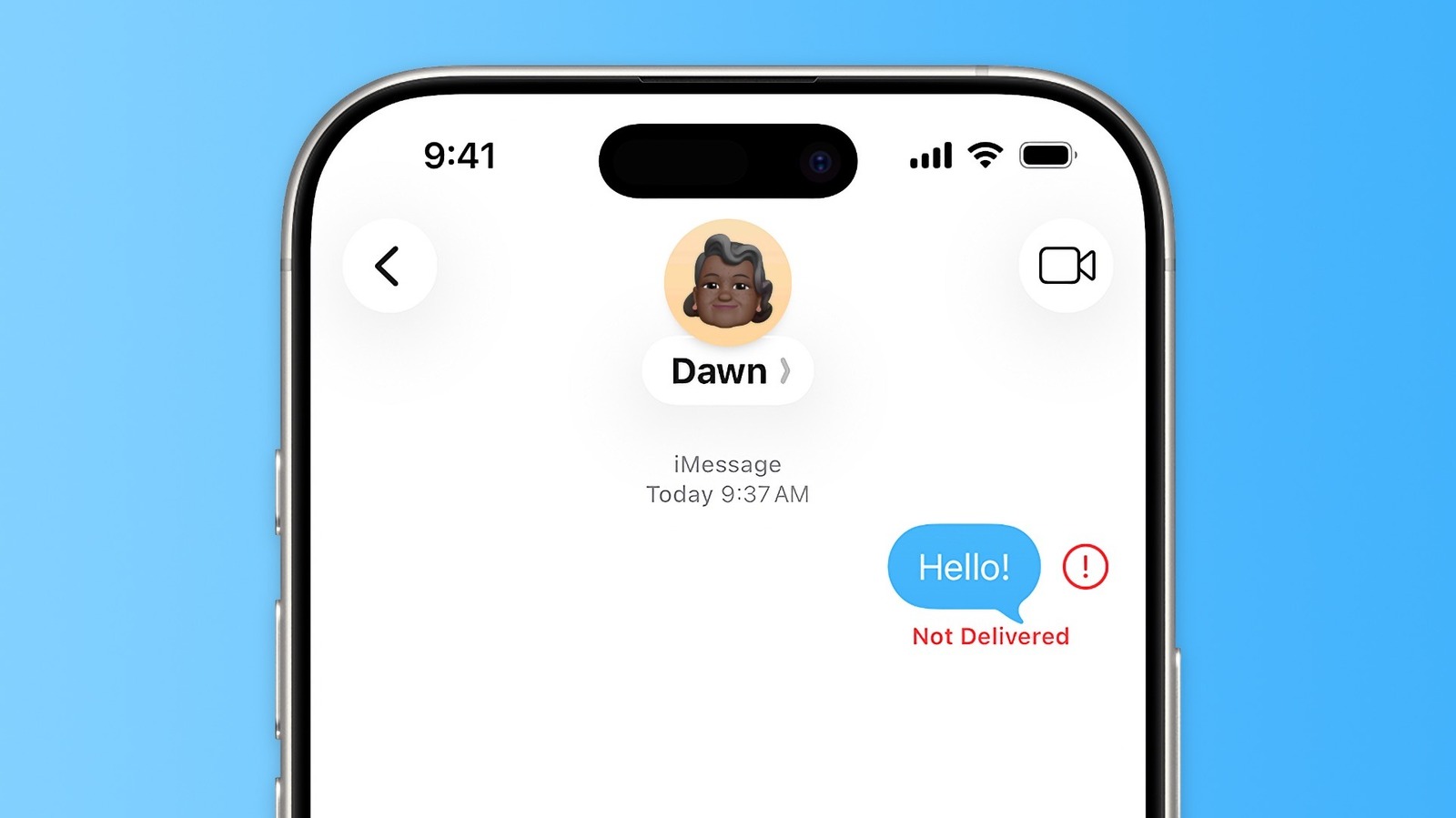
Sending messages on an iPhone is usually straightforward, but the Messages app sometimes shows a "Not Delivered" error. The app actually manages three separate services — iMessage (blue bubbles), plus RCS and SMS (green bubbles), which are used when messaging Android users. This distinction is often the root of delivery problems.
First steps to try
When the red exclamation mark appears next to a failed message, tapping it offers the option to resend. Since both iMessage and RCS depend on an internet connection, poor signal can prevent delivery. Toggling airplane mode on and off can help the phone reconnect to the cellular network.
If there's no internet access but cellular reception is available, the message can be sent as SMS instead by pressing and holding the failed message and selecting the option to send it as a text message. Settings also allow enabling automatic resending as SMS whenever iMessage or RCS fails.
Checking settings
It's worth confirming that iMessage is actually turned on in the Messages settings, since it can occasionally fail to activate after switching to a new iPhone. If issues persist, turning iMessage off and back on after a minute can refresh the connection to Apple's servers. Users should also verify that the correct phone number or email address is selected under Send & Receive.
Other possible causes
In rare cases, the problem may stem from outages on Apple's servers, which can be checked on Apple's system status page. Enabling MMS messaging is also recommended, as it allows sending photos and videos to Android users. If delivery fails only to one specific contact, that person's phone may be off, out of coverage, or the sender's number may have been blocked. Finally, keeping the iPhone updated to the latest iOS version is advised, since outdated software is more prone to issues with online services.