How to get a smoother Google Maps experience with Apple CarPlay
Although Apple Maps remains the default navigation app on CarPlay in most regions, several settings tricks make using Google Maps in the car more convenient. Users in the EU and Japan can set it as a full default, while others can rely on shortcuts and widgets.
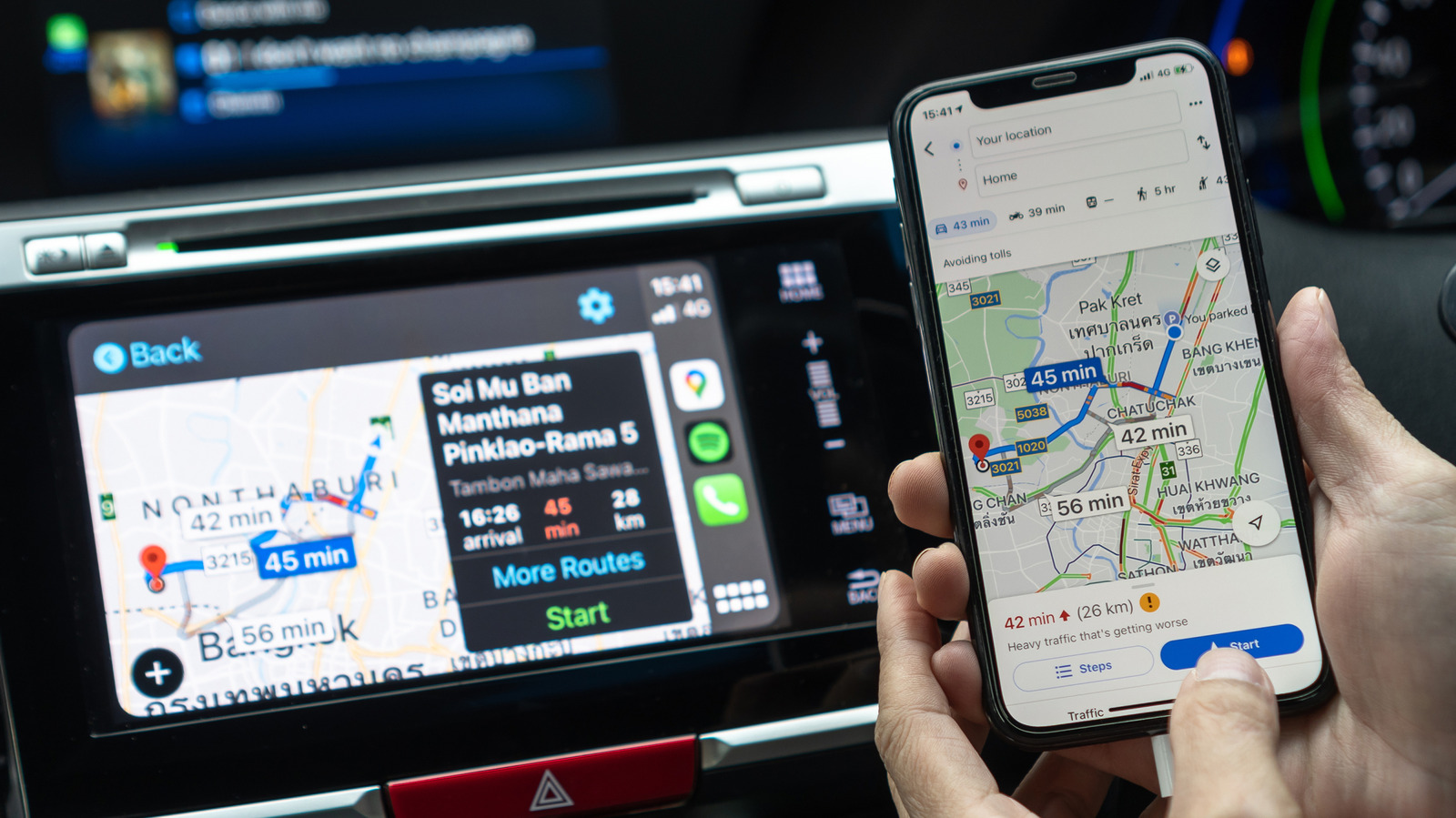
Many drivers still prefer Google Maps over Apple Maps, often citing better traffic data, more accurate business listings, or simple habit. While Apple has traditionally restricted changing default apps on the iPhone, the rules differ depending on where you live.
Full default access in the EU and Japan
In the European Union and Japan, local regulations allow iPhone users to pick their preferred navigation app as the system default. This can be done under Settings > Apps > Default Apps by selecting Google Maps. Once set, both Siri requests and tapped addresses will automatically open the chosen app on the iPhone and in CarPlay. Elsewhere, Apple Maps stays the default, though adding a phrase referencing Google Maps to a Siri request can prevent Apple Maps from opening automatically.
Improving access outside the EU and Japan
Where full default switching isn't available, Google Maps can be moved near the top of the CarPlay Home Screen through the iPhone's General > CarPlay settings, selecting the car and then Apps, where the app order can be rearranged. If the app doesn't appear at all, it can be added using the green plus icon at the bottom of that menu, provided it has already been downloaded from the App Store.
Another option is adding a Google Maps widget to the CarPlay dashboard through the same settings menu, this time under Widgets. Some vehicles also offer a split-screen dashboard with a mini-map that displays an active route once one has been started.
Additional tips
Within Google Maps, setting home and work addresses under Settings > Location & privacy allows common routes to start with a single tap. For long trips, downloading offline maps in advance over Wi-Fi helps avoid issues when cellular connection is lost. Drivers can also switch between north-up and heading-up map views using the compass button, and set day and night themes to change automatically through CarPlay's appearance settings.