HDMI splitter vs. HDMI switch: what's the real difference?
HDMI switches and splitters may look alike, but they serve opposite purposes — one lets multiple devices share a single TV port, the other sends one signal to multiple displays. Choosing between them depends on supported standards and device type.
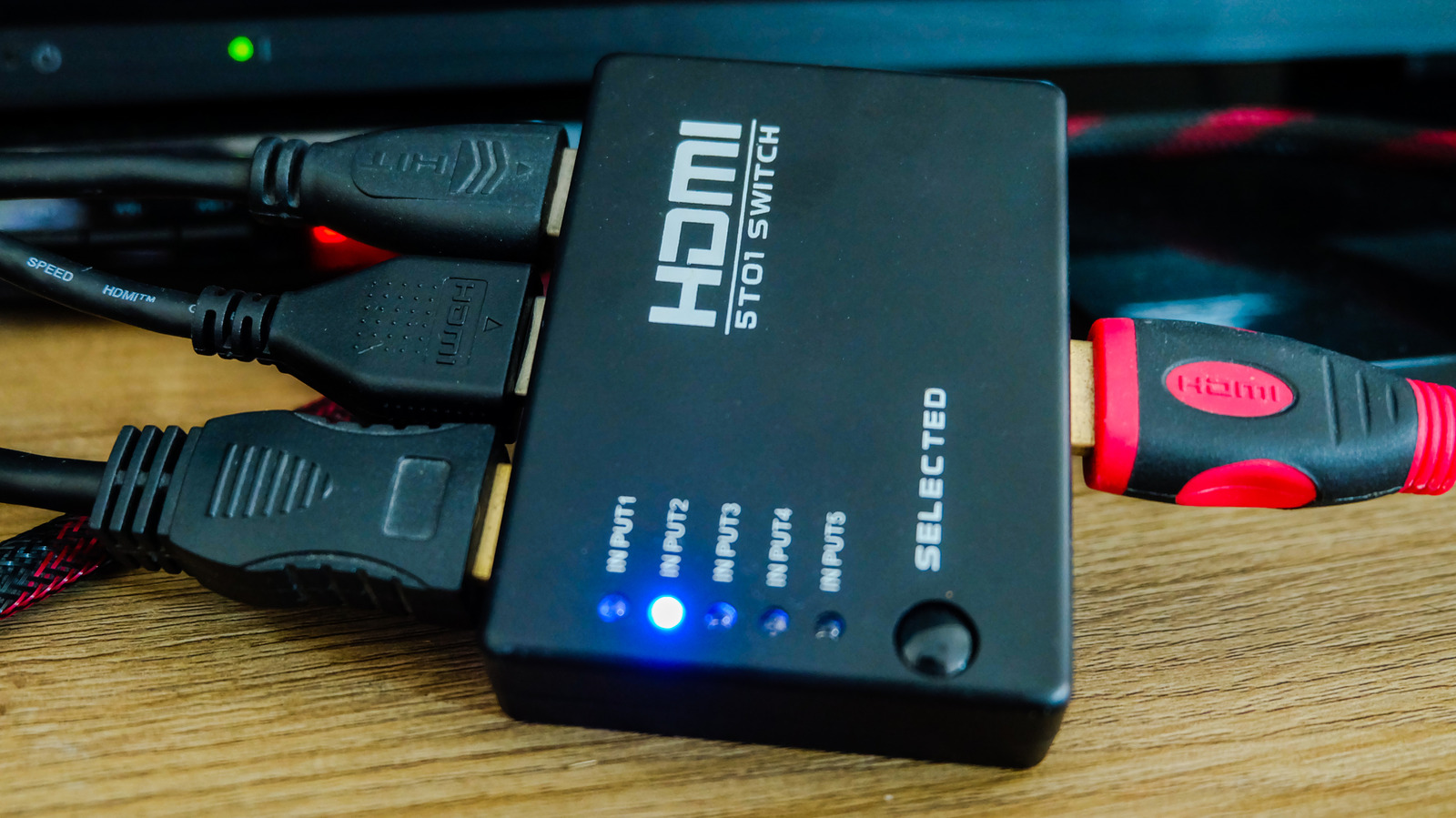
HDMI switches and splitters are often mixed up because they look similar, but they solve the same underlying problem — too few HDMI ports for too many devices — in opposite ways.
Switches for everyday home setups
An HDMI switch lets several devices, such as a game console and a streaming box, share a single TV port. The TV only sees one input, while the switch determines which connected device is displayed. This cuts down on constantly swapping cables and reduces wear on the TV's port. Switching between inputs can happen automatically, via buttons, or with a remote — a remote is the more convenient option.
When buying a switch or splitter, it's worth checking which HDMI standard it supports. While HDMI 2.2 is the newest version, it isn't widely adopted yet, so an HDMI 2.1 model is the safer choice. It supports 4K at 120Hz, dynamic HDR, variable refresh rate, auto low latency mode for gaming, and eARC audio.
Splitters matter less at home
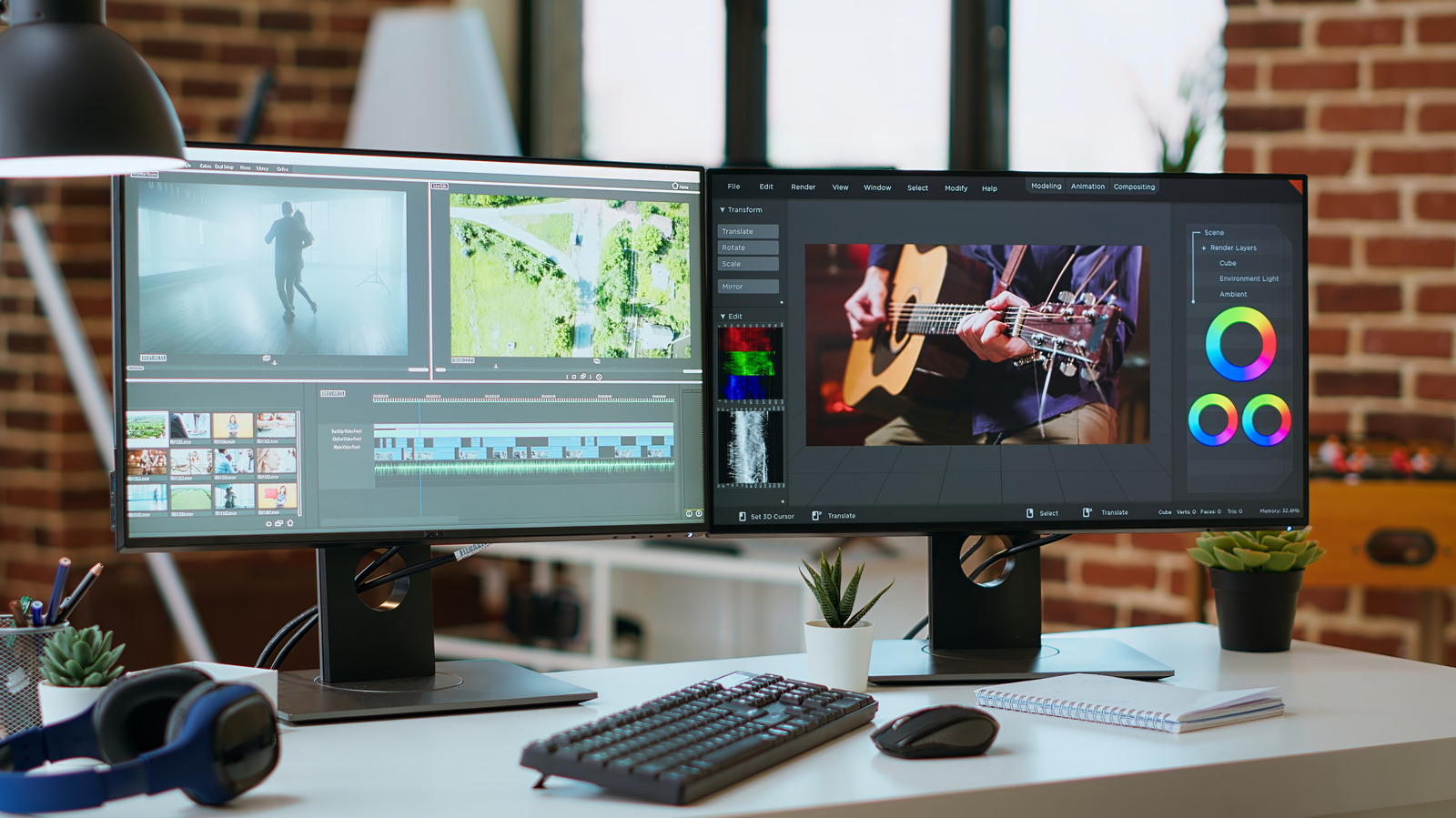
Splitters do the opposite: they send a single signal from one device to multiple screens at once. They're common in restaurants or conference rooms, but at home they can be useful for showing a live sports broadcast from one cable box or console on several TVs simultaneously. If the content comes from a streaming app instead, a splitter isn't needed, since the app can simply be opened on each TV separately.
One caveat: splitters default to the lowest common resolution among connected displays, so pairing a 1080p and a 4K screen results in both showing 1080p. Models labeled "downscale" avoid this issue.
Other things to keep in mind
Active models are generally preferable to passive ones, since they have their own power source and handle high-quality signals like 4K more reliably. It's also worth checking HDCP support for copy protection, with HDCP 2.3 being the current standard. For those needing both functions at once, combined matrix splitters exist, though they cost considerably more than two separate units.