Strong magnets can interfere with the iPhone's rear camera
Apple warns that magnetic accessories such as mounts or power banks can disrupt the stabilization sensors in the iPhone's rear cameras and cause blurry photos. The fix is to avoid accessories that place magnetic fields near the cameras.
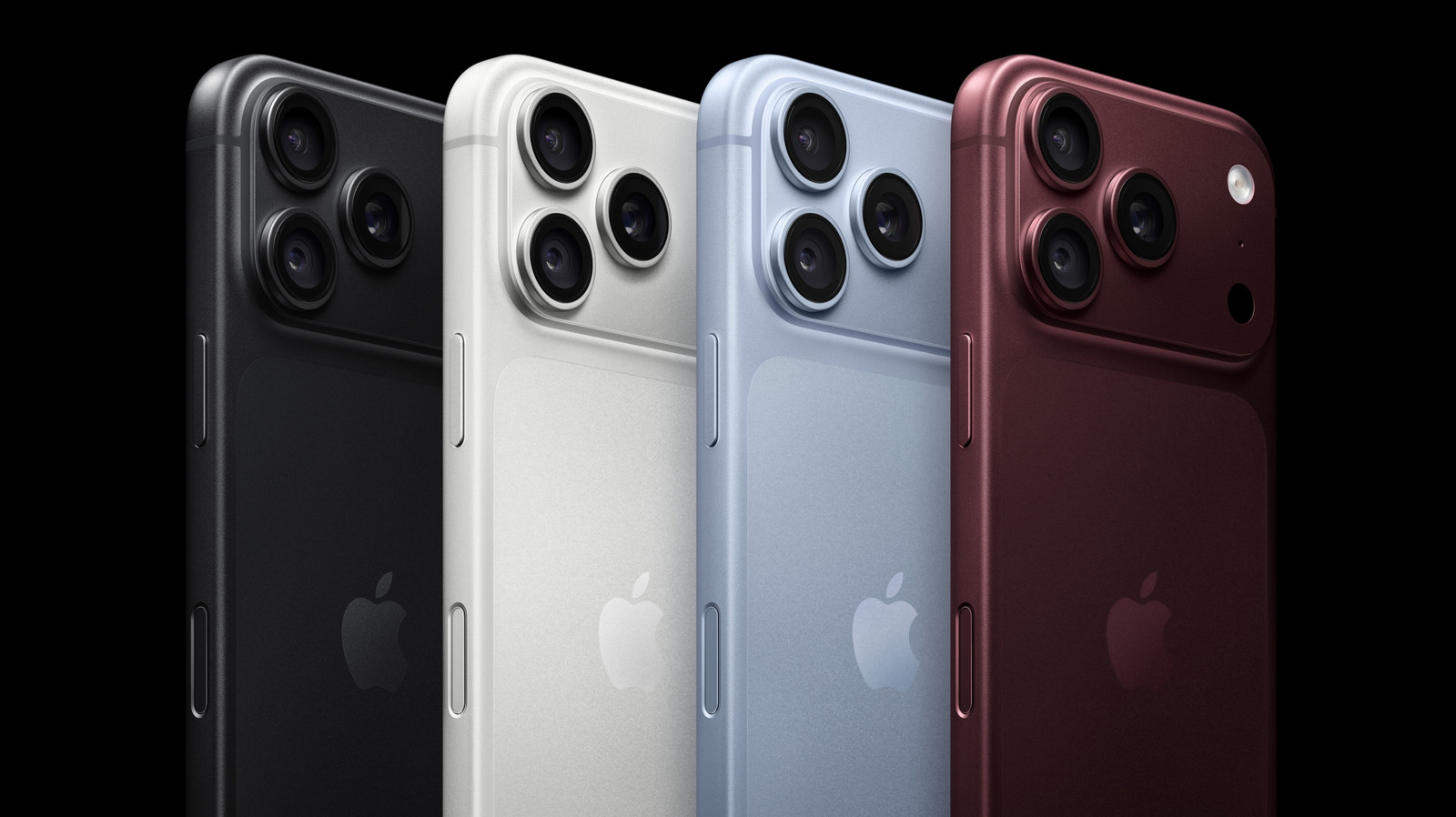
Apple says on its support page that strong magnets in iPhone accessories can interfere with the phone's rear-facing cameras and make photos blurry, according to technology site Engadget. The warning applies to the latest models too: this September Apple introduced the iPhone 18 Pro and Pro Max, featuring a 48-megapixel Fusion Main camera with variable aperture and a low-light sensor.
Why magnets are a problem
Many iPhone accessories, including removable grips, car mounts, power banks and ring lights, attach to the phone's casing using strong magnets and magnetized metal plates. According to the source, these probably do not affect the phone's internal systems, but they can disrupt the cameras.
The reason is that the rear cameras rely on image stabilization technologies whose lens-position sensors are highly sensitive to magnetic fields. Certain accessories nearby can disable those sensors.
Two technologies are involved:
- optical image stabilization (OIS) uses a gyroscope to detect camera movement and adjusts the lens to reduce blur;
- closed-loop autofocus uses accelerometers to compensate for the effects of gravity and vibration on lens position, preserving sharpness in video, panoramas and stills.
If a magnet sits too close to the lens, motion sensing may become less accurate and the lens's range may be limited. Even when autofocus and OIS are disabled, the camera can still take photos using other stabilization methods.
What Apple recommends
Apple advises avoiding accessories that put magnetic fields close to the cameras, and specifically cautions against third-party products with strong magnets, such as latch folio covers or car mounts. Strong vibrations, such as those produced by high-powered motorcycles, can also cause lasting damage to the camera sensors.
Avoiding magnets does not guarantee the camera will work flawlessly, since other underlying issues may be involved. Apple's support page offers a step-by-step guide to troubleshooting camera problems.

