What VSync really does to your gaming frame rate
VSync is a setting that eliminates screen tearing by syncing a game's frame rate to the monitor's refresh rate, but it can introduce other issues like stuttering and input lag. Alternatives like FreeSync and G-Sync are often a better fix when supported hardware is available.
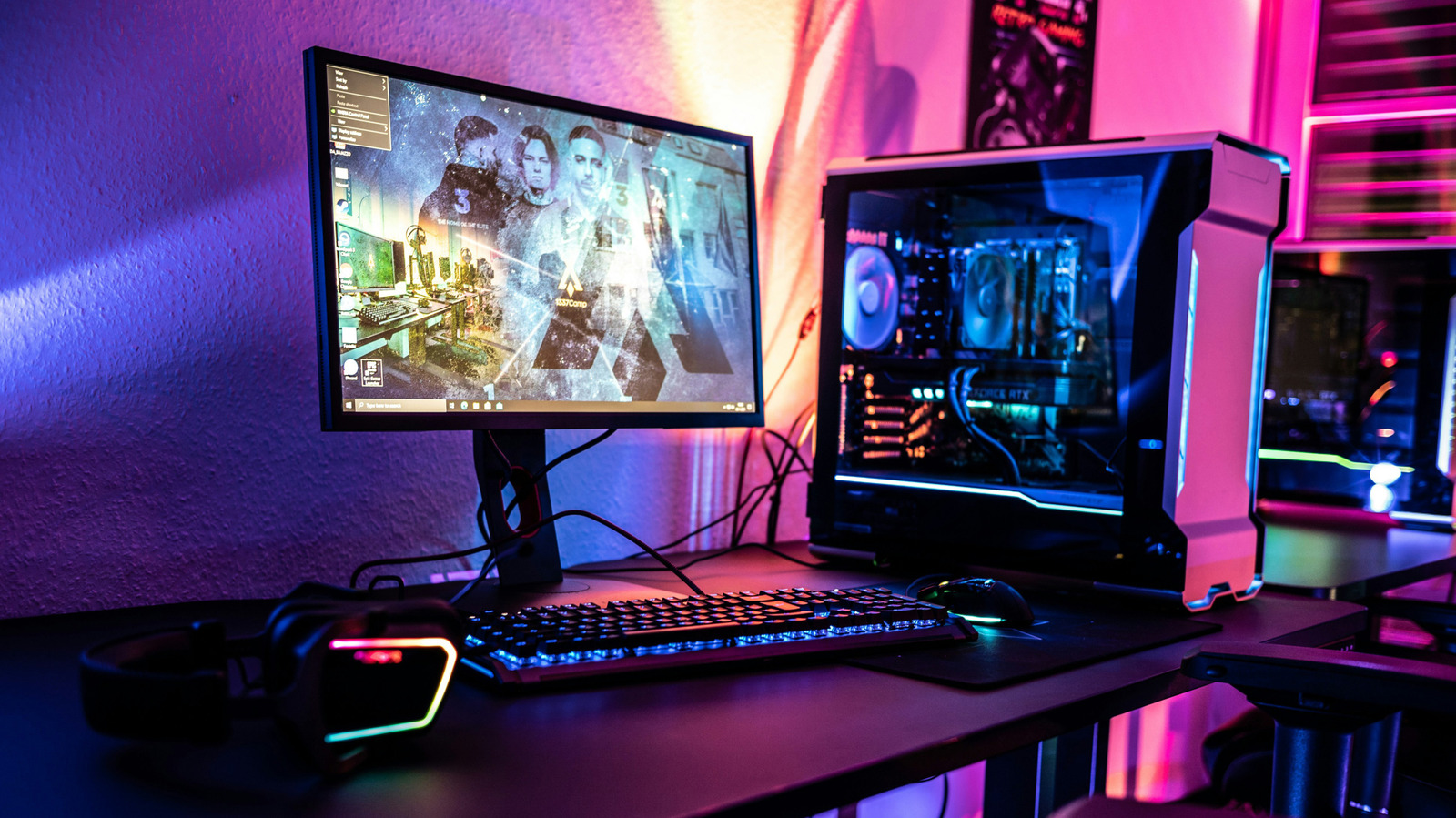
Many PC gamers have run into screen tearing, a visual glitch where parts of two different frames appear on screen at once. A setting called VSync addresses this issue, though using it comes with its own set of trade-offs.
How VSync works
A game's frame rate reflects how many frames a graphics card renders per second, while a monitor's refresh rate is how many times per second it can display a new image. When these numbers don't align — for example, a graphics card producing 100 frames per second on a monitor that only refreshes 60 times per second — screen tearing can appear.
VSync forces the graphics card to wait for the monitor's refresh cycle before sending the next frame. As a result, a game on a 60Hz display will typically run at around 60 frames per second, while on a 144Hz display it will run at about 144 FPS, even if the hardware could produce more. This can also ease the load on the graphics card, potentially lowering power use and heat output.
The downsides
When a graphics card can't keep pace with the monitor's refresh rate, VSync can backfire, making a game feel like it's running at roughly half its usual frame rate and introducing stuttering that can feel worse than the original tearing problem. Another common issue is input lag — a slight delay between a player's action and its appearance on screen. This may go unnoticed in slower-paced games, but in competitive shooters it can make controls feel sluggish.
Should you turn it on?
If screen tearing isn't an issue, VSync can be left off. When tearing does occur, variable refresh rate technologies — AMD's FreeSync and Nvidia's G-Sync — are often a better starting point, since they let the monitor adjust its refresh rate to match the game's output rather than the other way around. Both require a supporting monitor, and G-Sync additionally needs a compatible Nvidia graphics card, while FreeSync also works with Nvidia hardware. If neither technology is supported, VSync can serve as a fallback, but it's best enabled in only one place — either in the game or through the graphics card's control panel, not both.