Why Amazon Alexa Devices Are Always 'Listening' and How to Improve Privacy
Amazon's Alexa voice assistant constantly listens only for the acoustic pattern of its wake word and begins recording after detecting it. Users can mute the microphone or limit how long recordings are kept.
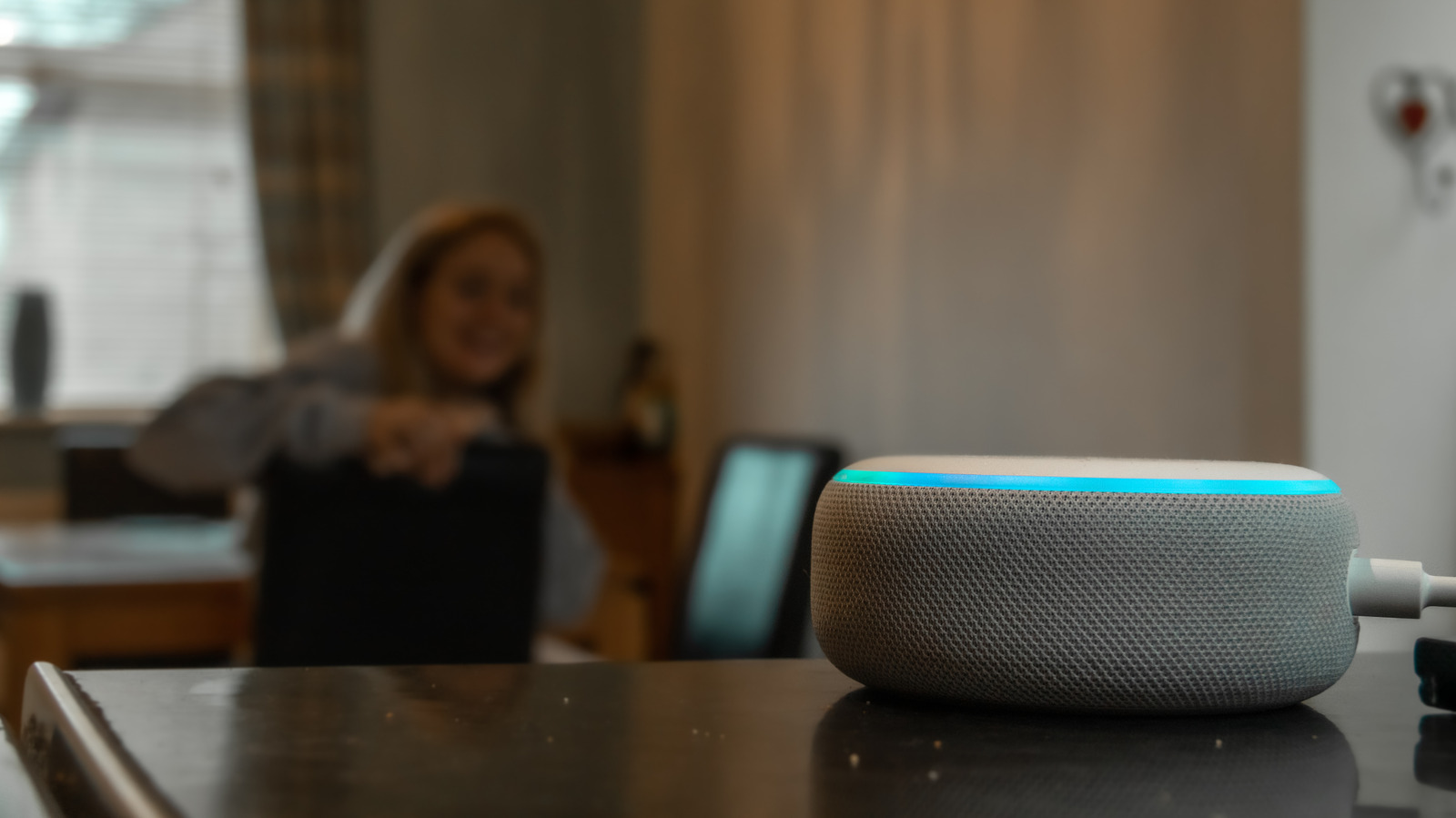
Amazon's Alexa voice assistant, which runs on Echo smart speakers and other devices, is widely used: more than 600 million Alexa-enabled devices have been purchased worldwide since its release. Technology outlet Engadget has explained whether the devices really eavesdrop on conversations at home, and how users can tighten their privacy.
What "always listening" means
According to Amazon, Alexa does not listen to every spoken word verbatim. The device picks up "acoustic patterns" that match its wake word. It is comparable to hearing a conversation through earplugs: you can't make out exact words, but you would still notice your own name because the sound pattern is familiar.
Only after recognizing the wake word does Alexa switch to active listening, record audio and send it to the cloud. This is Amazon's compromise between privacy and the assistant's function: if the device did not listen at some level, it could not know a user was asking it something. Devices are designed to save as little audio as possible, keeping only direct conversations with the device itself.
How to improve privacy
The simplest option is to mute the microphone. On Echo devices, the button with a crossed-out microphone sits on top of the device, and a red light shows that the microphone is off. This does mean switching the microphone back on each time you want to ask something.
An alternative is to change recording settings in the Alexa app: the three-line menu, Alexa Privacy, Manage Your Alexa Data, Voice Recordings and Transcripts. There are four choices: keep recordings for three months, 18 months, until the user deletes them, or not at all. The same screen lets users manage how other data, such as smart home device histories and detected sounds, is stored.
On some devices, deletion by voice can be enabled, for example by saying "Alexa, delete everything I said today." This does not work on devices running Alexa+ or Amazon Kids.
Limitations
These settings apply only to the Amazon cloud. If Alexa is used with third-party devices such as robot vacuums or smart TVs, their makers may still have access to the history after deletion. Deleting recordings can also reduce how well responses are personalized, because the device can no longer maintain a voice profile for the user.