How to troubleshoot distorted audio on a PlayStation 5
When PS5 audio becomes crackly, muffled or disappears entirely, the fix usually comes down to checking connections and output settings rather than replacing hardware. A step-by-step approach helps isolate whether the issue lies with cables, settings or the headset.
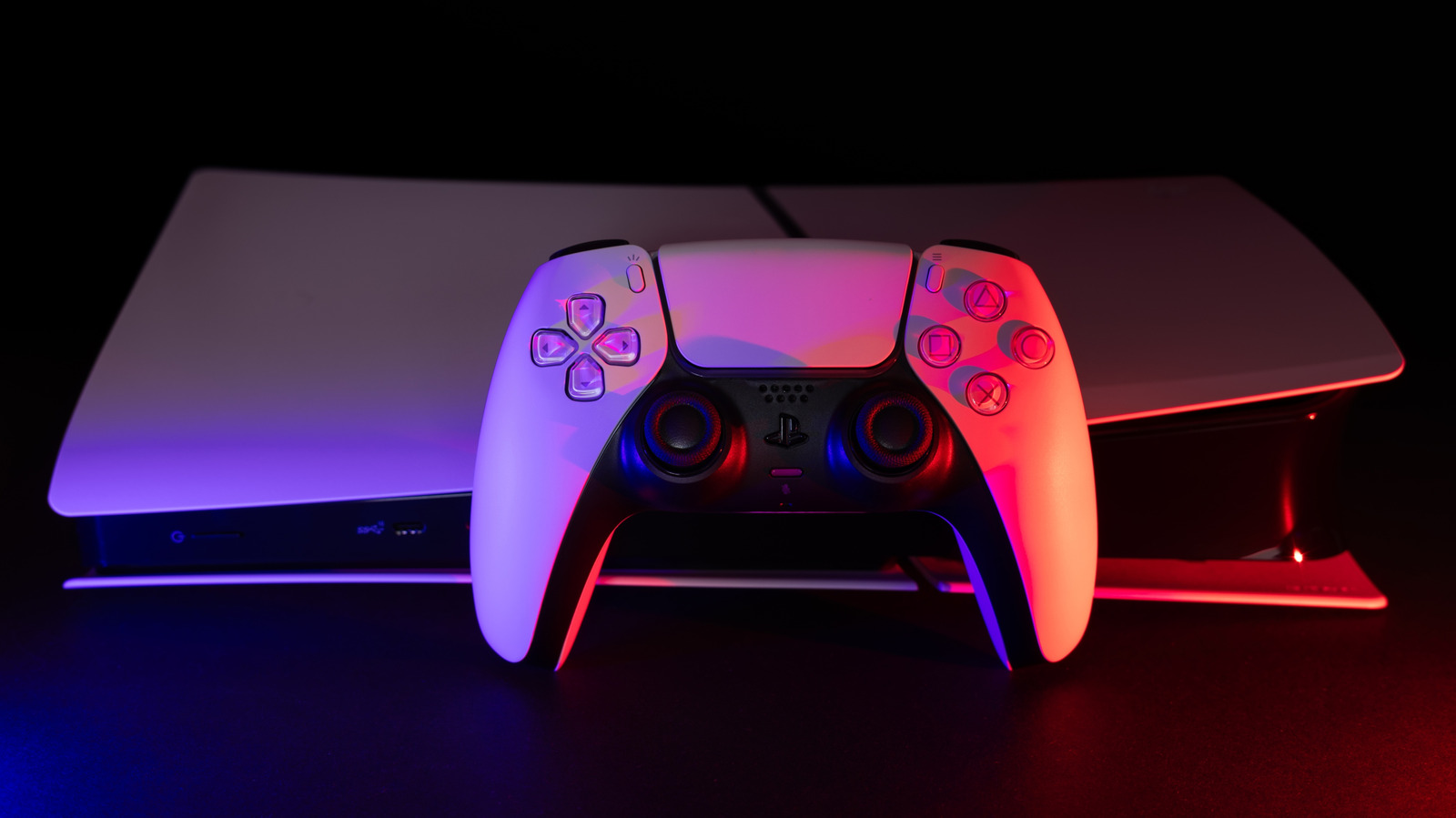
Sound quality matters almost as much as visuals for gaming immersion, and distorted or missing audio can even put players at a disadvantage in competitive titles. Before assuming a TV, sound system or the PlayStation 5 itself needs replacing, there are several troubleshooting steps worth working through.
Start with a full restart
Power down the TV, speaker system and console completely, not just to sleep mode, then turn everything back on. This clears temporary glitches. If the problem persists, try to isolate its source: plugging in headphones reveals whether speakers or the TV are at fault, while switching to another game or app shows whether the issue affects multiple sources.
Check cables and simplify connections
Swapping to a different HDMI port and cable can resolve issues, since a faulty cable is a known culprit. Setups involving a receiver, HDMI switch or capture card introduce more potential failure points, so temporarily connecting the PS5 directly to the TV helps determine whether an extra device is responsible.
Match audio settings to your equipment
In Settings > Sound > Audio Output, the HDMI Device Type and channel count should match the connected equipment. Linear PCM generally works best when using a TV's built-in speakers. When audio passes through to a soundbar or AV system via ARC or eARC, it's worth confirming which port supports multichannel sound, since standard ARC is typically limited to stereo. Changing one setting at a time makes it easier to pinpoint what actually fixes the problem.
Headphone-specific fixes
For distorted audio over wired headphones, reseating the cable and testing another pair can rule out a hardware fault. Volume settings and the 3D Audio (Headphones) option, found in the PS5's sound menu, can also affect clarity. With wireless headsets, nearby wireless devices can cause interference, and reconnecting the adapter or switching the headset off and on may help.

