How to Create iPhone Shortcuts With Apple Intelligence
Apple Intelligence lets iPhone users build automations in the Shortcuts app by describing them in plain language. Engadget's writer found results uneven and says they should be checked before use.
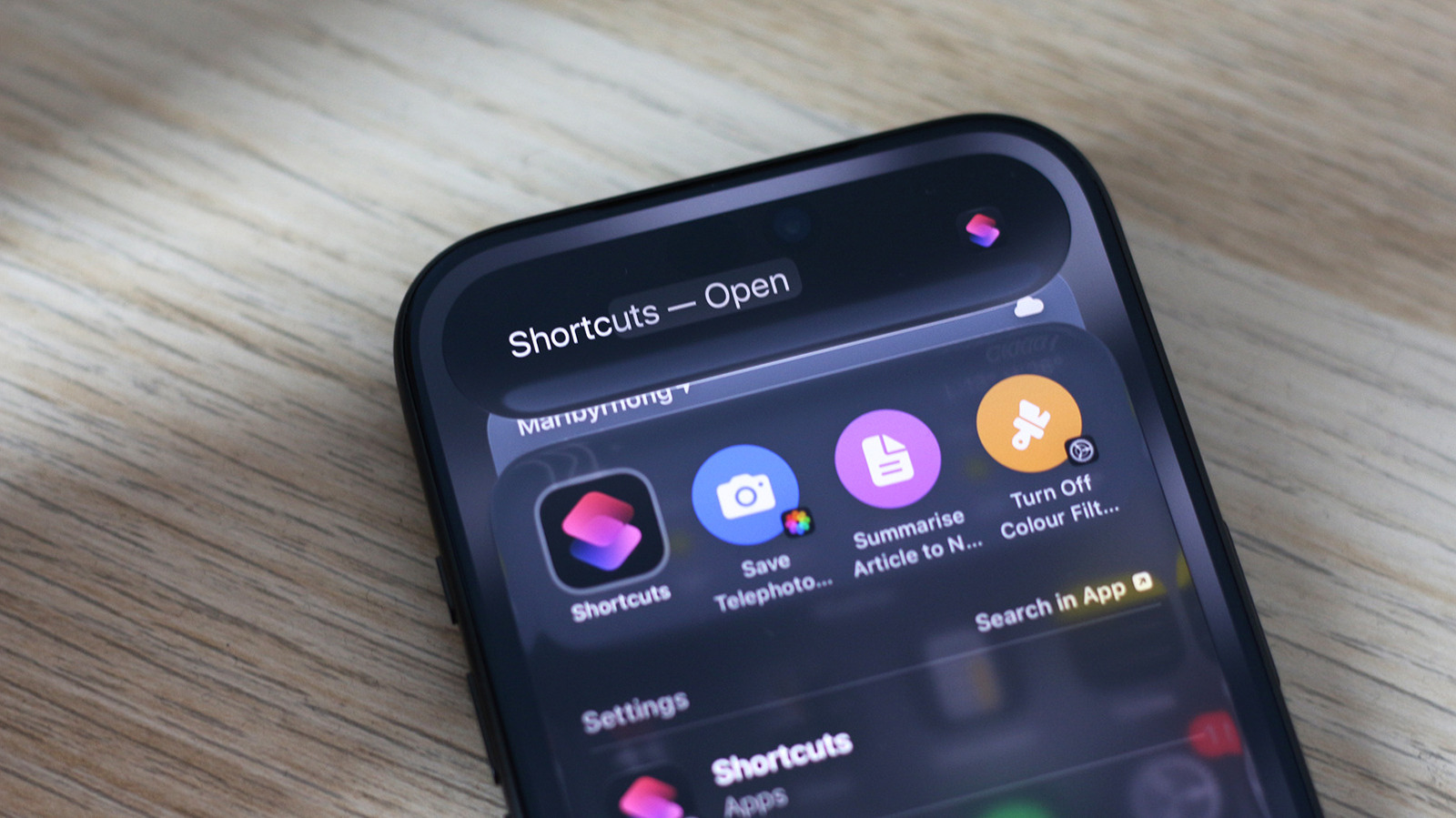
Apple Intelligence, Apple's set of AI features, lets iPhone owners build automations in the Shortcuts app simply by describing what they want in plain language. Adnan Ahmed of the technology site Engadget says it is one of the few cases where AI genuinely improves the user experience. Shortcuts has existed since 2018 and is used to automate actions on the phone.
How to create a shortcut
The feature requires an iPhone running iOS 27 that supports Apple Intelligence. The app should come preinstalled, but it can be re-downloaded from the App Store if deleted. Tapping the large plus icon at the bottom opens a text box where the shortcut can be described in plain English. Once it has been assembled, the play button lets users test it.
How reliable is it
In theory, Apple Intelligence should be able to help build anything the app can automate, but in practice it may take trial and error or manual edits. The author asked for a shortcut that turns the screen grayscale when Instagram opens and back to color when it closes. The first half worked, but the color filters were not disabled on exit, so he ended up making two separate shortcuts. When asked to turn the iPhone off when the battery drops below 20 percent, the app only locked the screen. Sometimes the app admits a task is impossible, but more often it strings together actions it considers good enough.
Other capabilities
When building a shortcut manually, users can pick the Use Model action, which sends a request to an AI model and lets later actions use the response. The available models are Cloud, Cloud Pro and On-Device, as well as OpenAI's ChatGPT. The author built a shortcut that fetches an article from a URL, summarizes it and saves it to the Notes app. A shortcut can also appear in the Share menu by switching on Show in Share Sheet. Another successful example saved photos taken with the telephoto camera into a separate album.
The author advises tapping Edit after a shortcut is generated and checking the actions before relying on it.